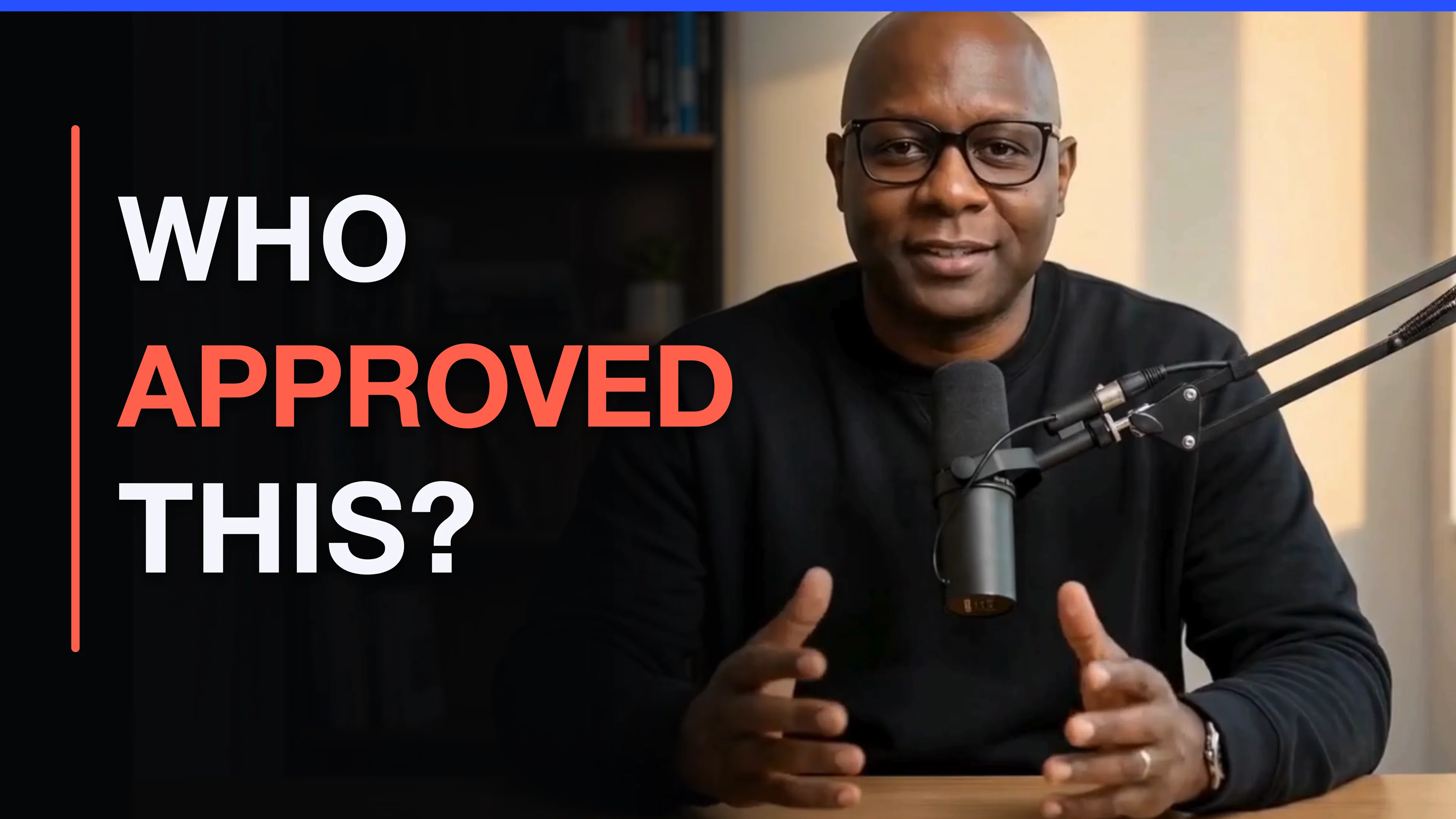
Free 8-minute lesson · Human Approval Gate
5 Times AI Should Stop Before It Acts
Before AI sends a message or changes a record, decide what you need to check. The lesson shows five places to pause for a person’s decision.
AI training & practical tools
Keith Staggers.
I’m Keith Staggers. I teach leaders and small teams to use AI at work and build practical tools for repetitive tasks. Start with a report, a plan or a project you want to finish.
Explore First Officer, my free desktop app
Teacher. Builder. Always learning.
Featured tool · First Officer
A desktop dashboard for the projects you work on with AI. First Officer brings your saved progress, decisions and next steps into one place.
You’re still in charge.
Free early release · Mac and Windows
Interactive example · sample records
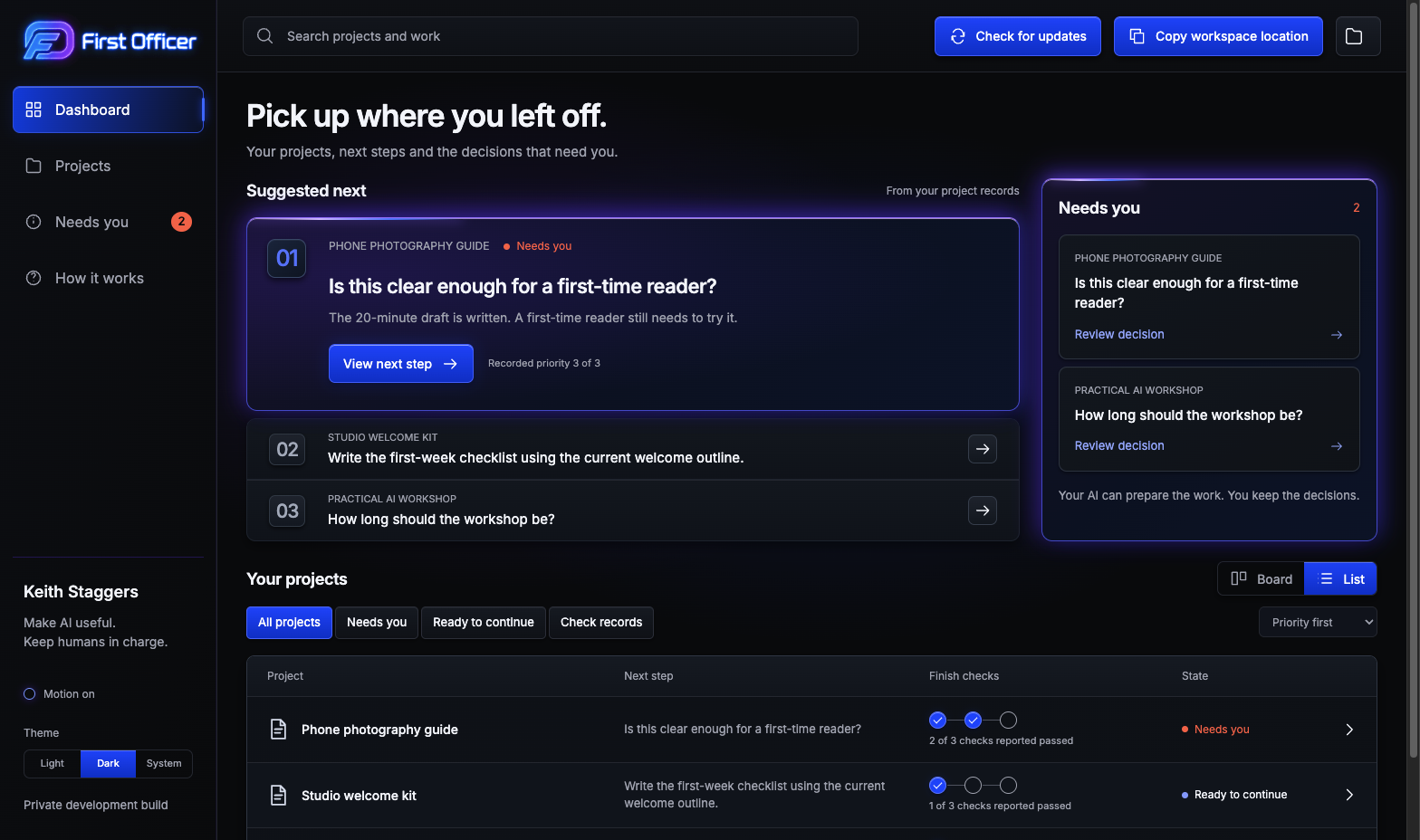
Changes stay in this example.
Review saved project progress, decisions and next steps in one place. See the download page for setup and AI requirements.
Start with a free lesson on when a person should review AI’s work. Then use the Human Approval Gate guide and worksheet to plan that review for a task you already know.
Before AI sends a message or changes a record, decide what you need to check. The lesson shows five places to pause for a person’s decision.
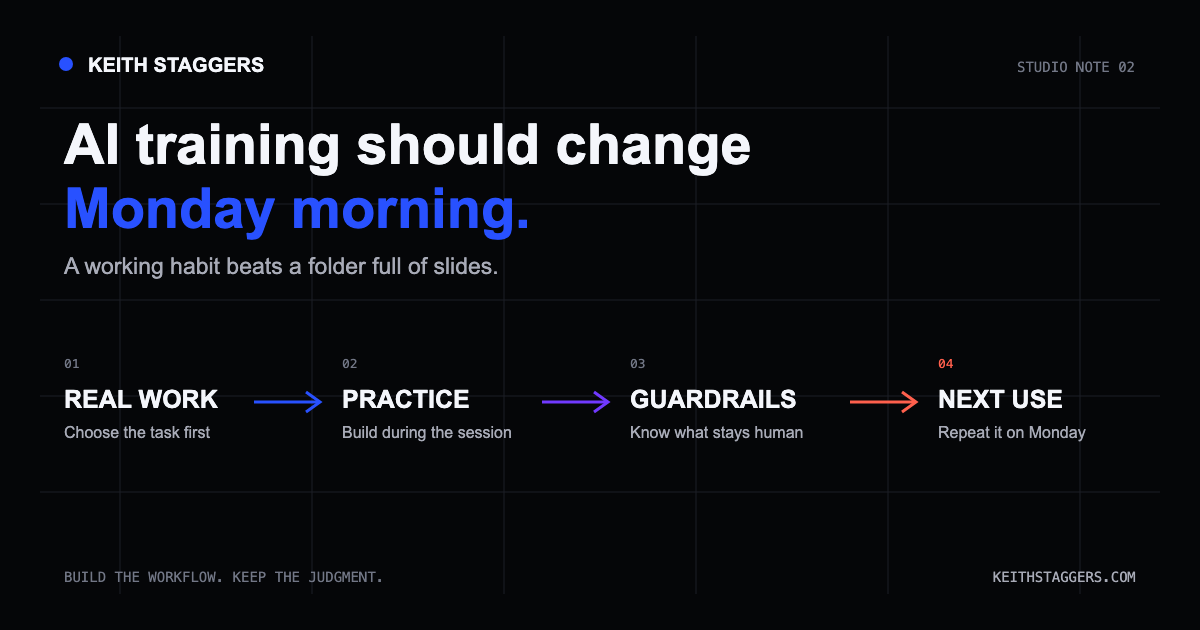
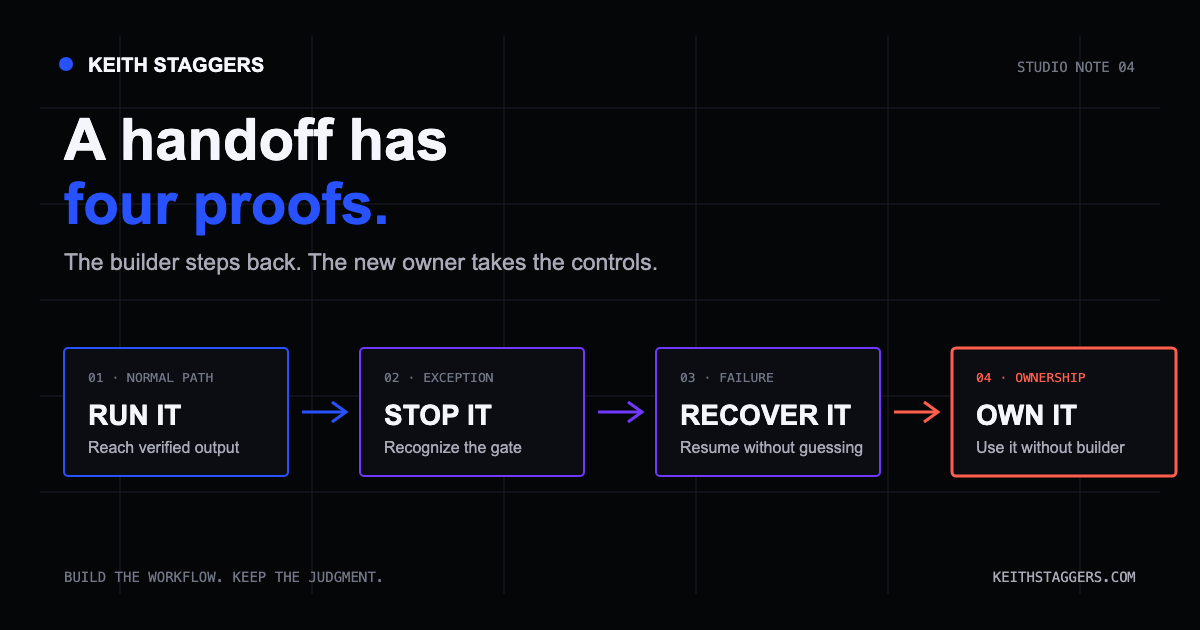
Find weak spots before people depend on the result.
Test before you trust it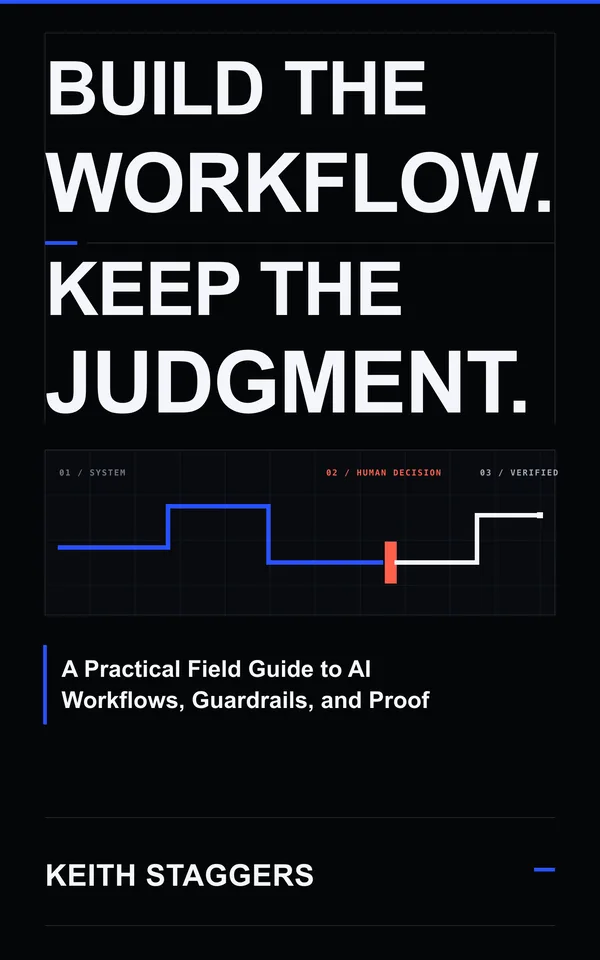
Download ten text templates for context, approvals, testing, proof, and recovery.
Open the free templatesReady to finish a creative project? Explore The Finish Loop, a $49 toolkit with a guide, planner and finish checks.
Start with one task: a weekly update, meeting agenda or follow-up email. Work with Keith for 60 minutes on a useful first version you can build on.
Selected work
Explore a practice-building app prototype, an equipment finder and a private creative workspace. See the screens and the work behind each one.
Founder-built venture
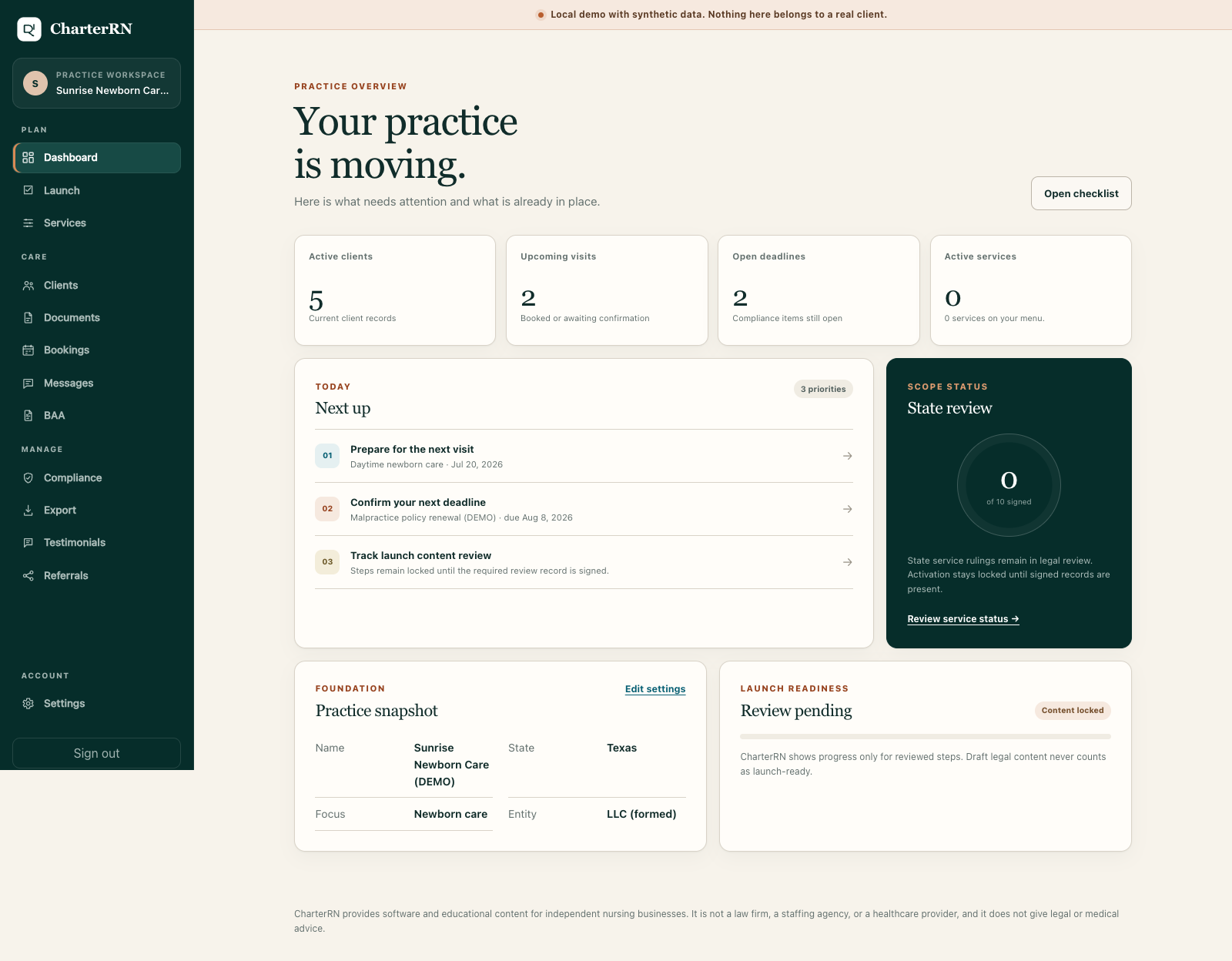
What this screen shows
A practice dashboard with tasks, deadlines, and synthetic practice records.
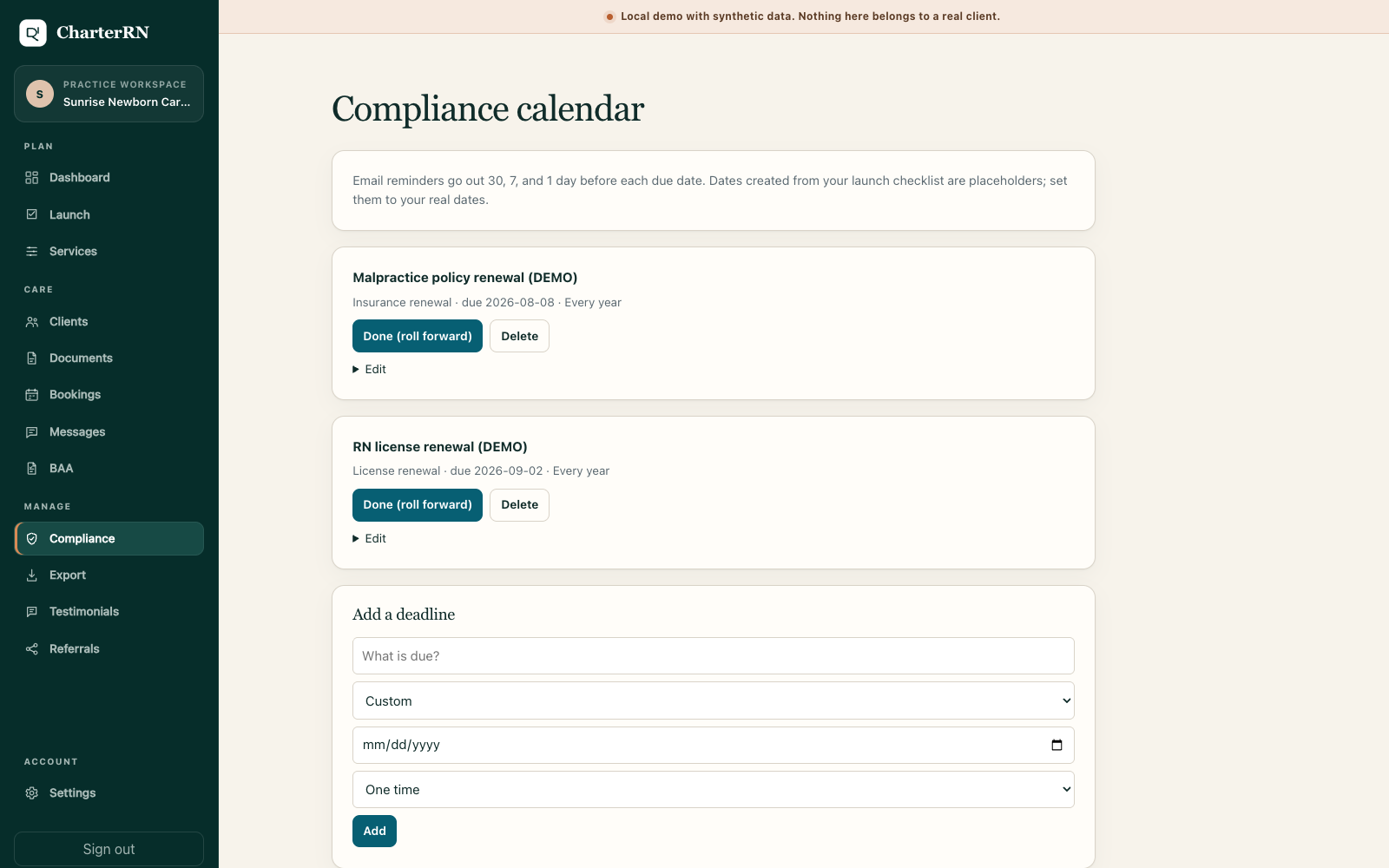
What this screen shows
A compliance calendar with synthetic license and policy renewal deadlines.
CharterRN is a practice-building product for independent nurses. Keith designed and built the public site and a working local application.
CharterRN is Keith's separate venture. Local app prototype shown with synthetic demo data.
Explore CharterRNEquipment-finder prototype
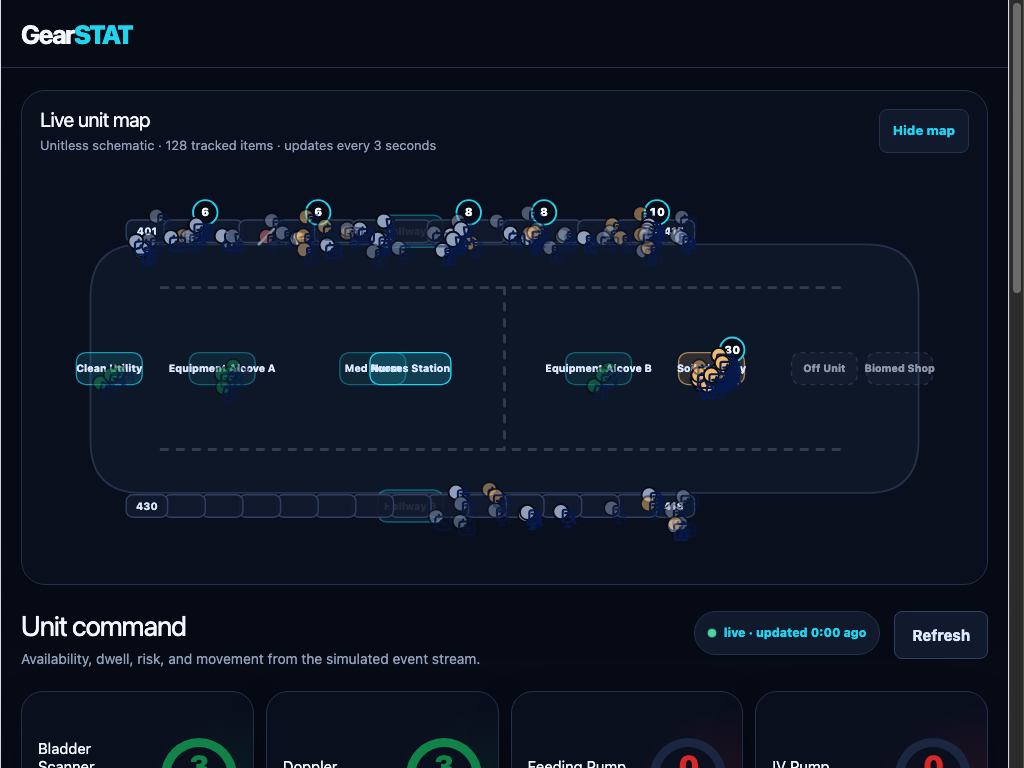
What this screen shows
A simulated unit map with made-up equipment locations and availability.
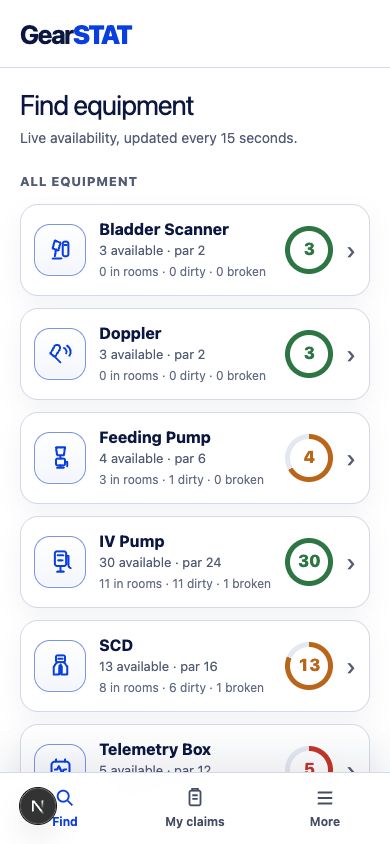
What this screen shows
A mobile equipment finder listing simulated availability.
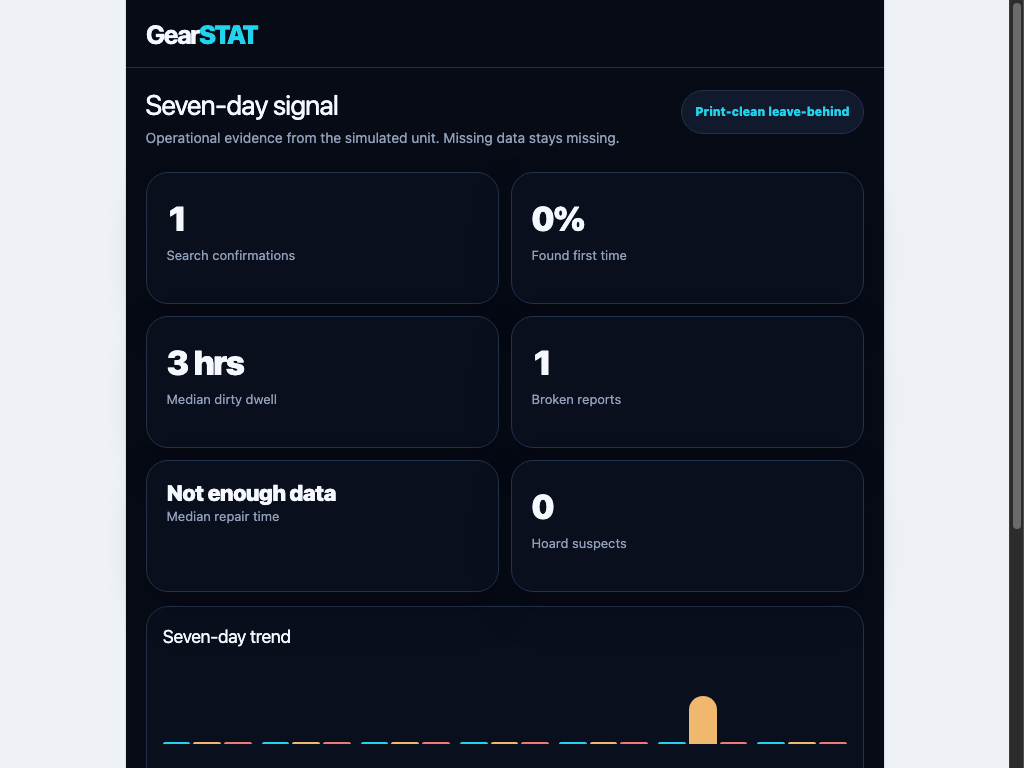
What this screen shows
A seven-day signal dashboard with simulated workflow measures.
GearSTAT is a working demonstration of a nurse-facing way to find, claim, and report shared equipment in a simulated hospital environment.
Independent prototype using simulated equipment data.
Explore GearSTATPrivate production app
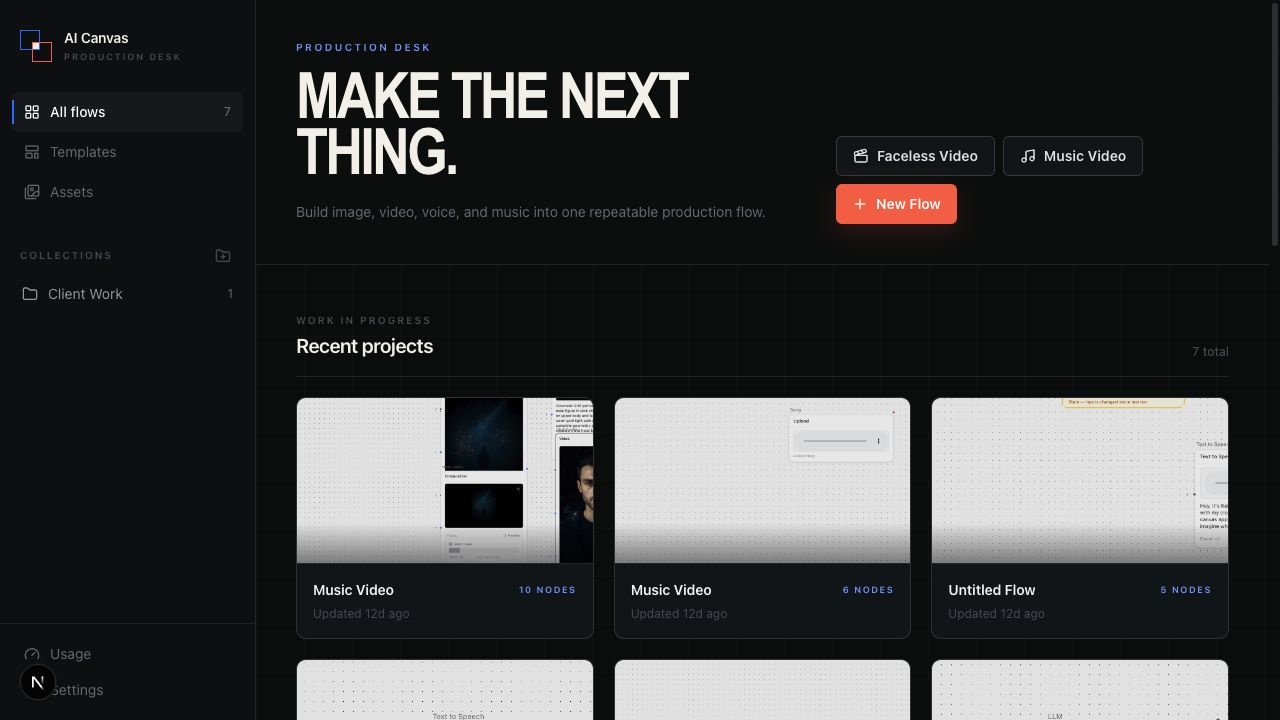
What this screen shows
A private dashboard with recent creative production flows.
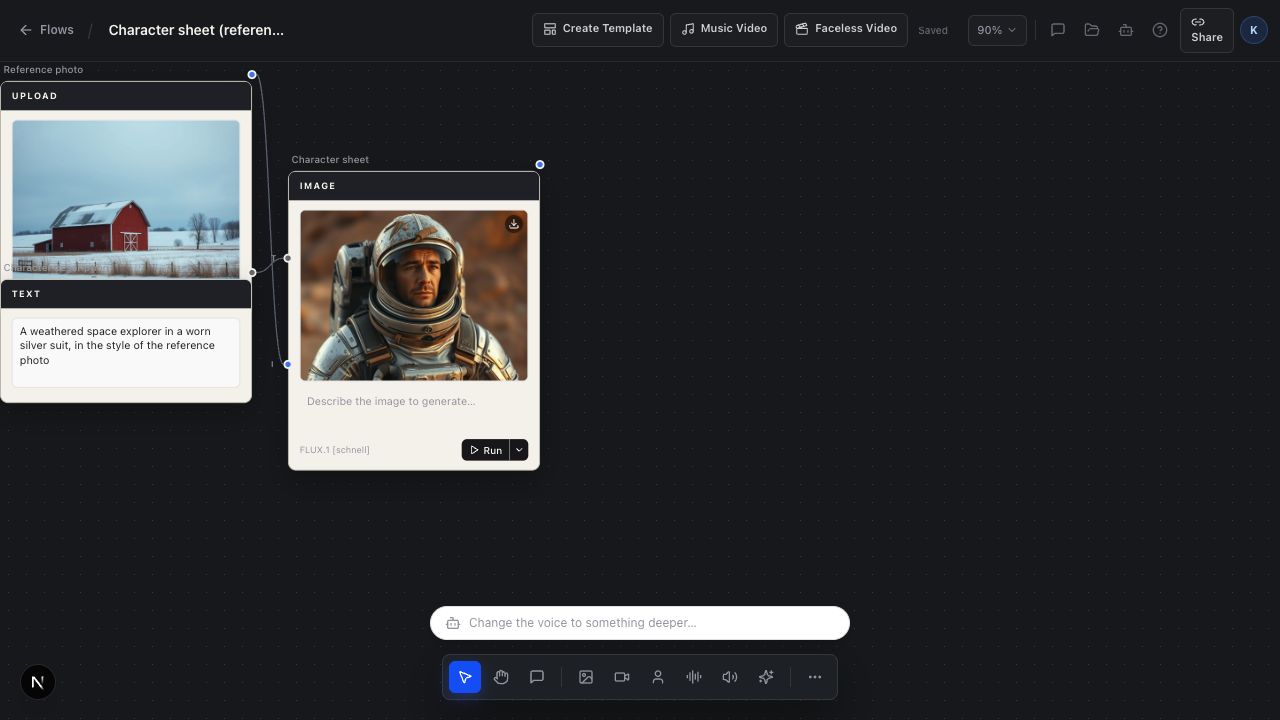
What this screen shows
A node editor connecting a reference image to a generated character sheet.
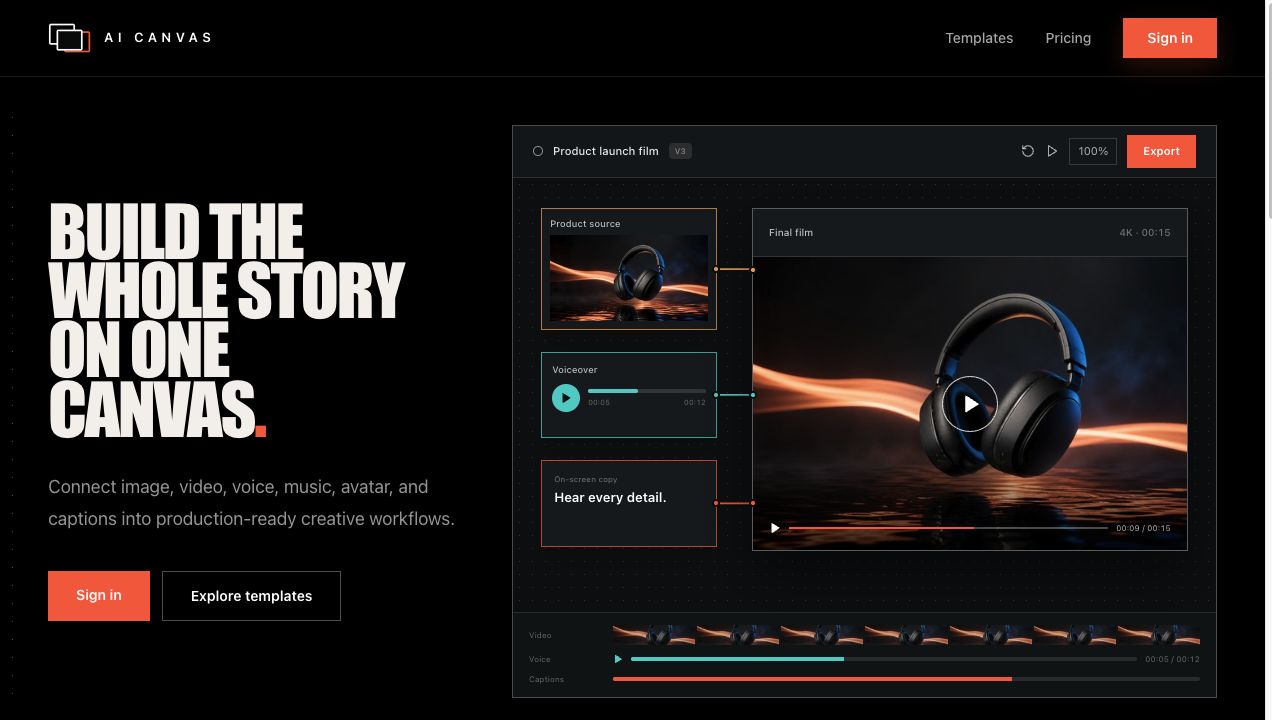
What this screen shows
A visual concept connecting image, voice, copy, and final-film steps.
AI Canvas is Keith's private workspace for connecting images, video, voice, music, captions, and reusable production flows.
A private tool built for Keith's own creative production.
Explore AI Canvas
Detective work taught Keith to observe carefully. Nursing taught him that judgment and consequences matter. Building with AI taught him how to turn both lessons into systems other people can use.
Bring a task that takes too long, a team that needs practice or a project you want to finish. Tell me what you are trying to do.