01
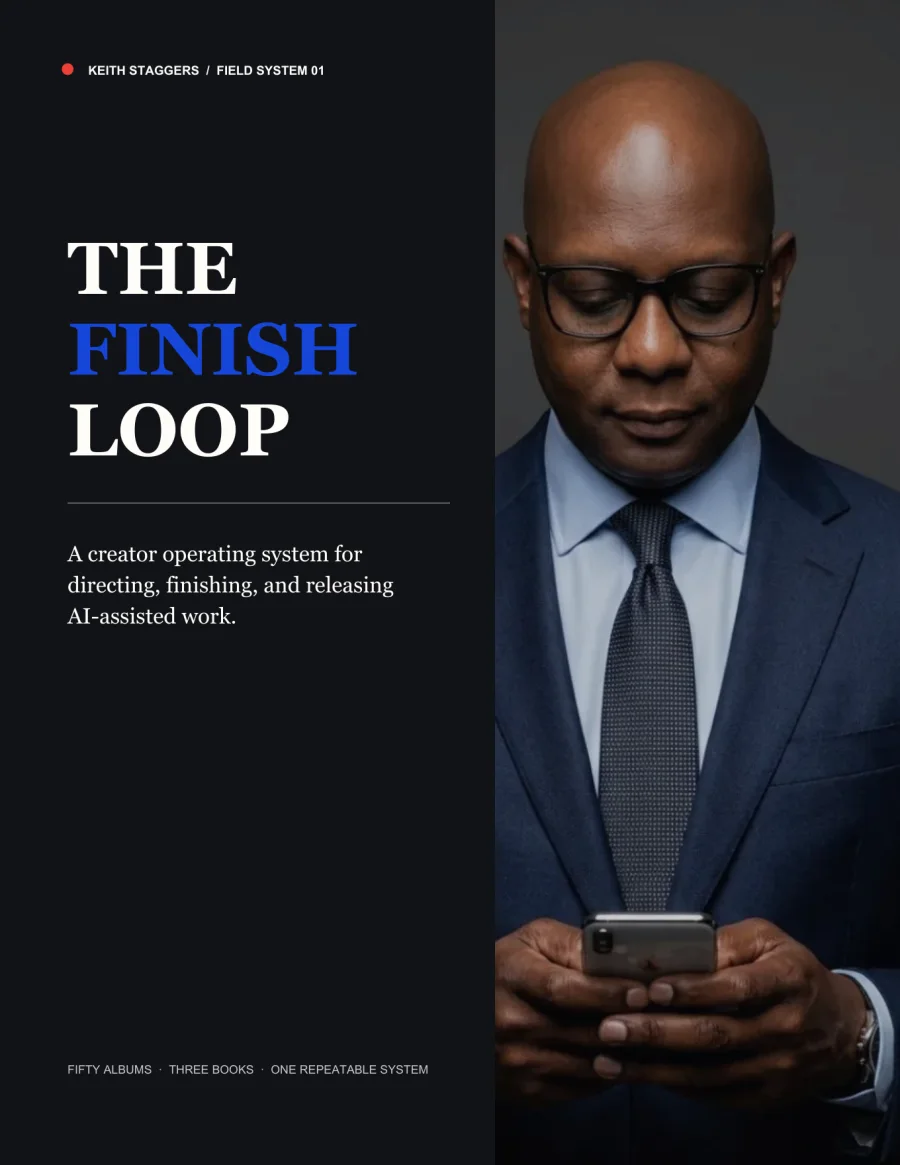
26-page practical guide
The complete six-step method with examples, checklists, safety rules, and a seven-day release plan.
$49 project-finishing toolkit · The Finish Loop
A $49 do-it-yourself toolkit for solo creators who have plenty of ideas and drafts but need a practical way to choose one project, finish it, and release it.
Immediate digital delivery after checkout.

50+
albums
3
published books
1,000+
images & films
Six simple steps
Choose one project, decide what finished looks like, complete the final work, release it, and save a process you can use again.
01
Pick one project, audience, action, format, and deadline.
02
Use your best examples to decide what the project should look and sound like.
03
Create a small sample that answers the biggest unanswered question.
04
Keep what works and fix one clear problem at a time.
05
Complete the missing production steps and check the final result.
06
Publish it, ask the audience to take one action, and record what you learned.
What you get
01
The complete six-step method with examples, checklists, safety rules, and a seven-day release plan.
02
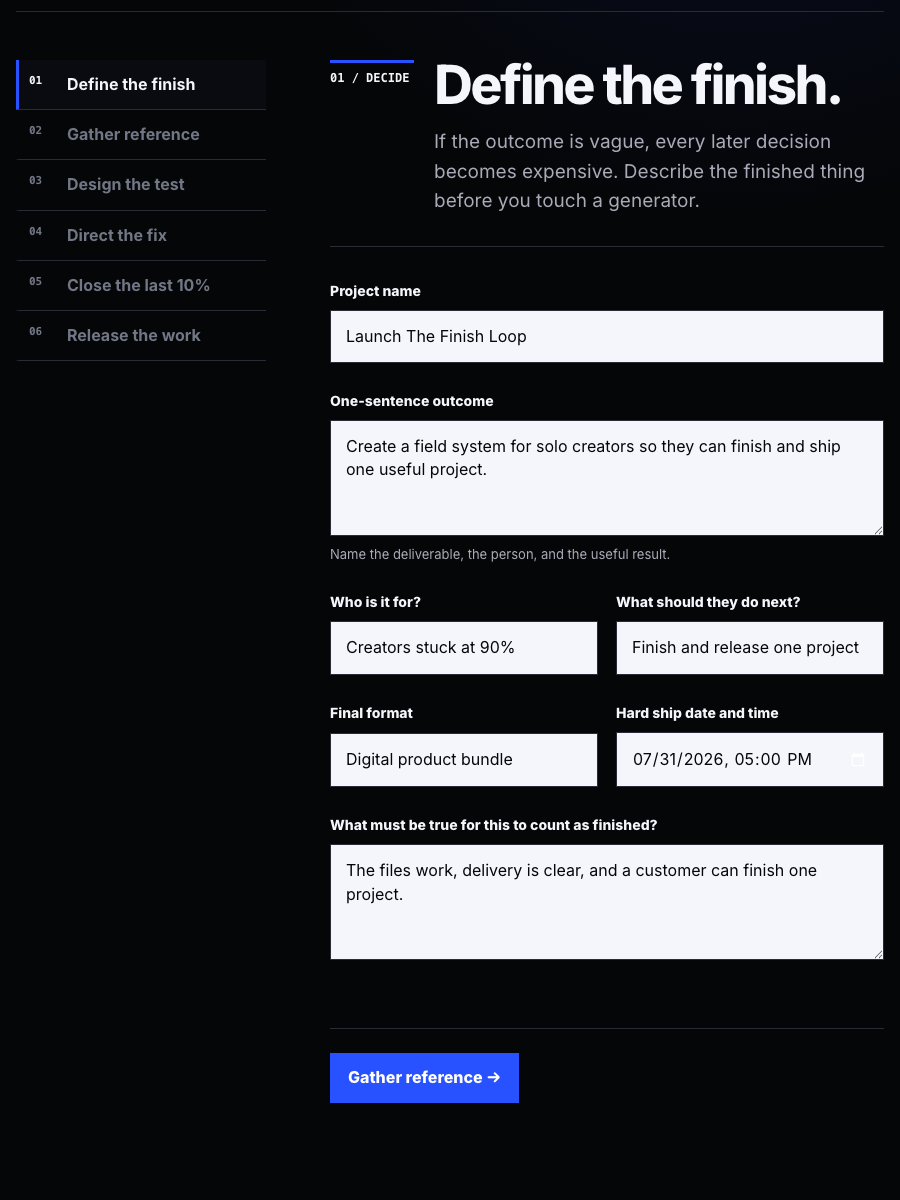
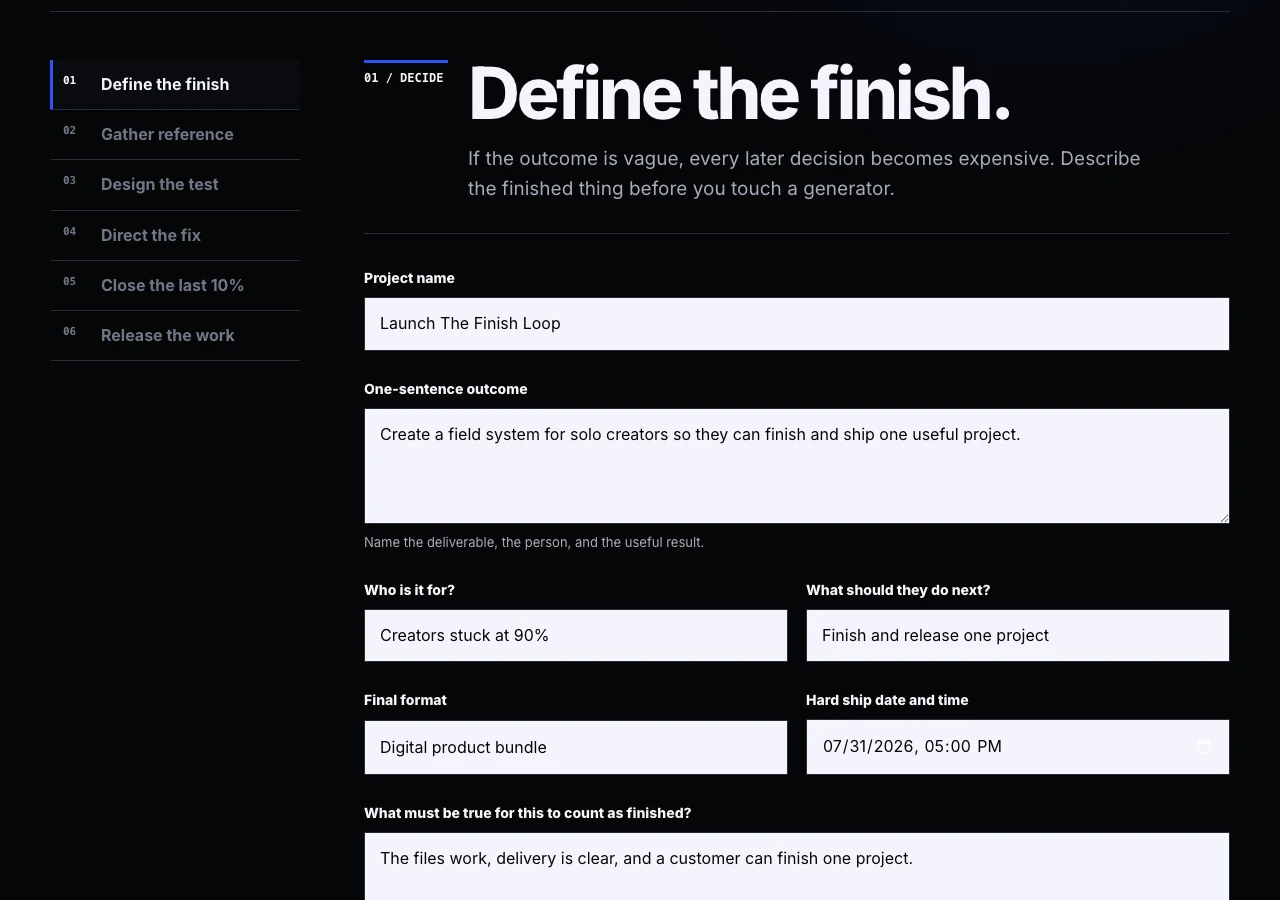
A private browser tool that saves on your device, builds your project plan, and exports it as a simple text file.
03
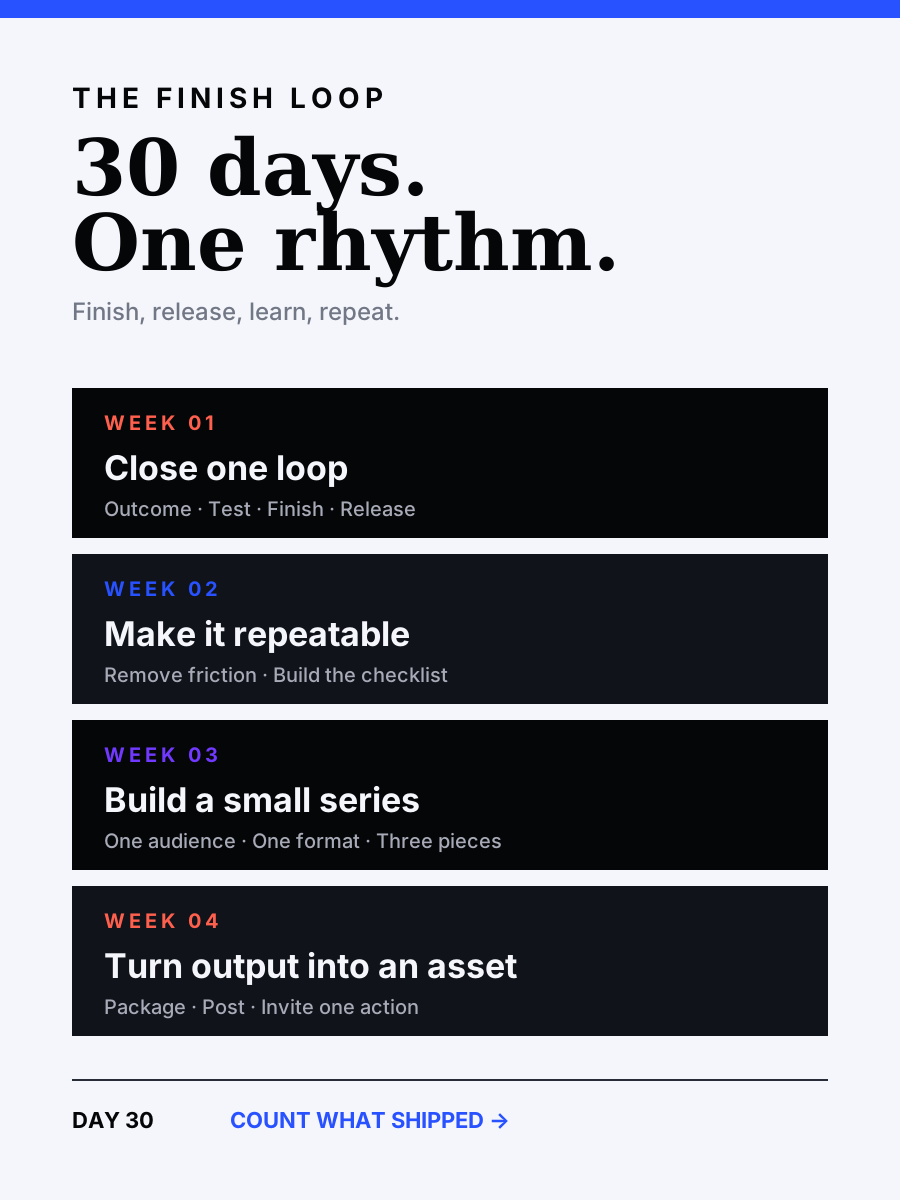
A daily plan for finishing one project, repeating the useful process, and building a connected body of work.
04
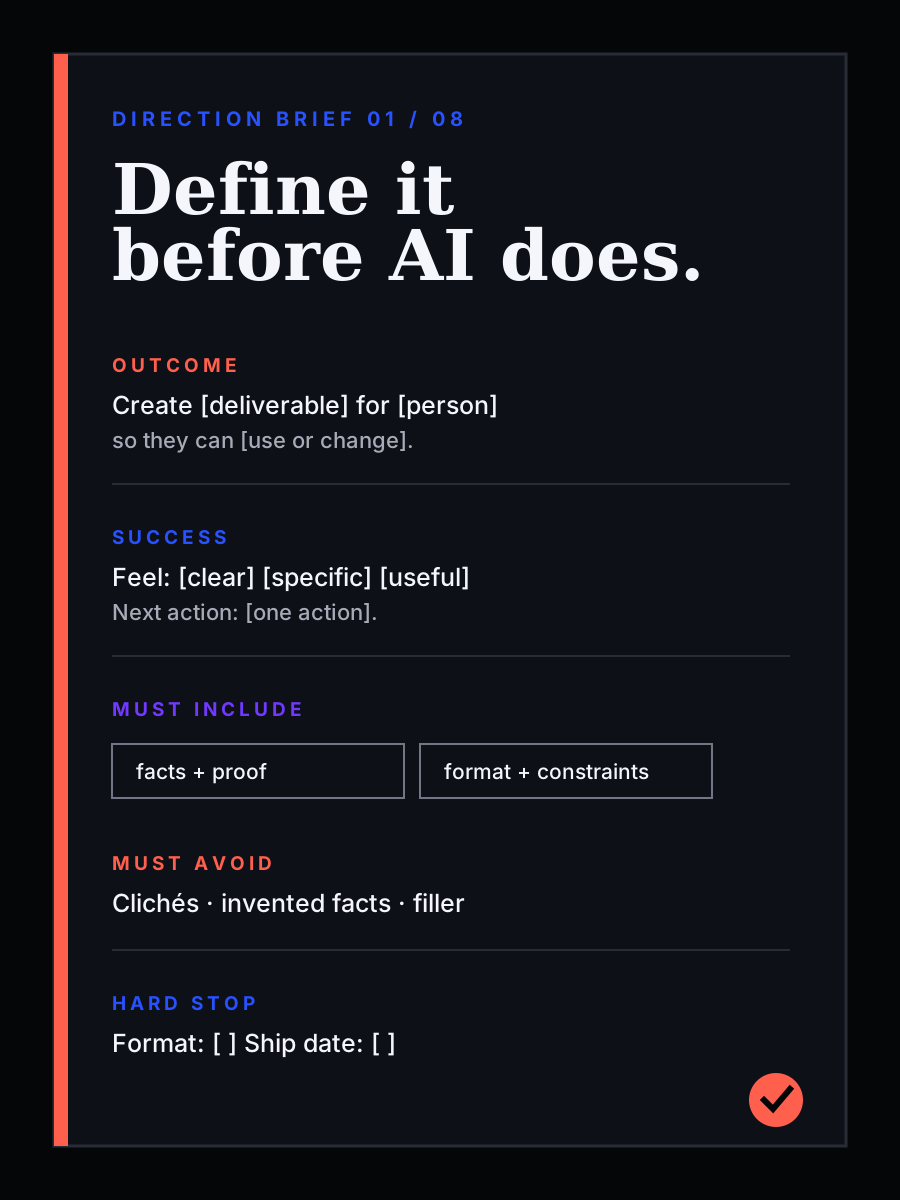
Reusable planning pages for images, video, writing, offers, presentations, revisions, and final quality checks.
05
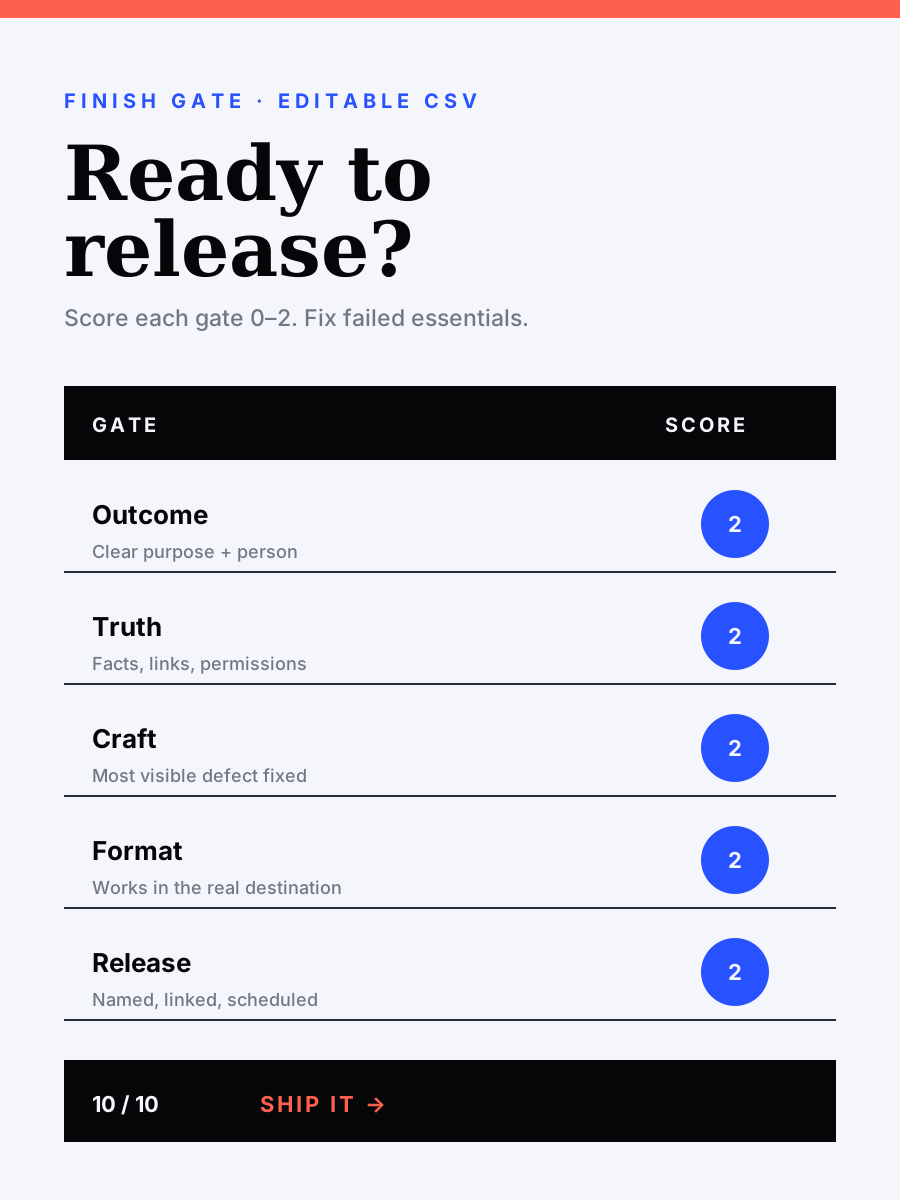
A simple editable spreadsheet for checking the result, accuracy, quality, production, format, and readiness to release.
Plan it. Run it. Finish it.
Map the work. Track what matters. Export a complete finish plan. The tool runs offline and saves only in your browser.
This is for you if
About Keith Staggers
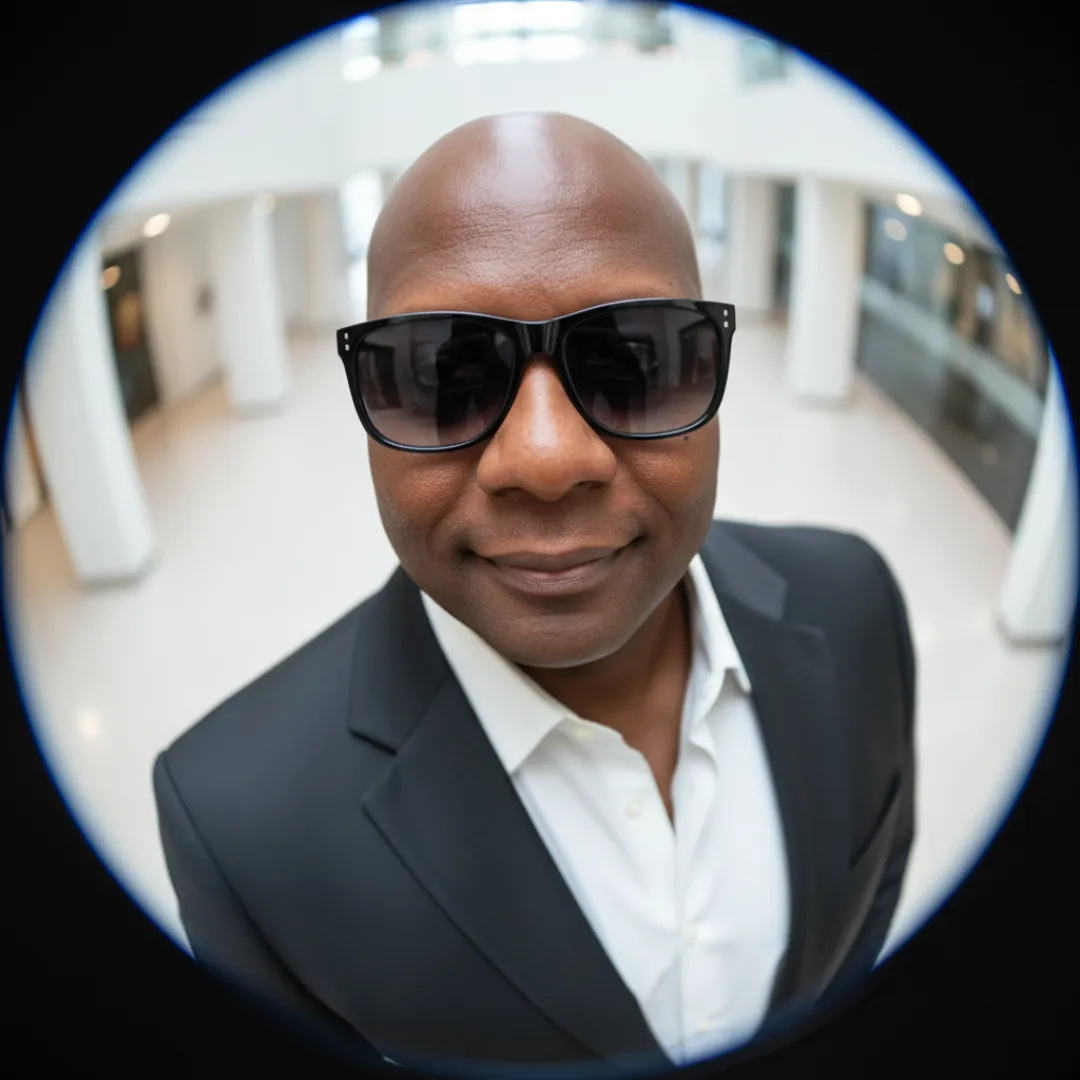
I spent decades making decisions where details mattered, first as a detective, then as a nurse. Now I use the same discipline to build music, books, films, and visual work with AI.
The Finish Loop is the step-by-step approach behind that catalog. It exists because generating ideas is easy and finishing them is rare.
One-to-one help
Work with Keith
Bring the real project. We find what is blocking it, work through the steps together, and leave with a concrete next move.
$250 One-time session
See the $250 working session →FAQ
Want the main idea first? Read why AI often creates more drafts instead of a finished result.
No. It is a practical digital toolkit with a guide, working planner, calendar, project briefs, and scorecard. There are no video modules to sit through.
Yes. You receive the complete bundle immediately after purchase. The planner runs offline in a modern browser.
No. The toolkit does not require a specific AI product. It works whether you are beginning or already making AI-assisted work.
Yes. The examples cover images, writing, video, offers, presentations, and client work. The six steps stay the same.
See the public 60-minute working session with Keith. Bring the real project, answer three short booking questions, and pay $250 through Cal.com to reserve a time.
The Finish Loop
Get the manual, planner, calendar, briefs, and scorecard. One payment. Immediate delivery.